M_Ch_DefaultLut
Texture
| Texture | Example | Usage | Comment |
|---|---|---|---|
| BaseMap | 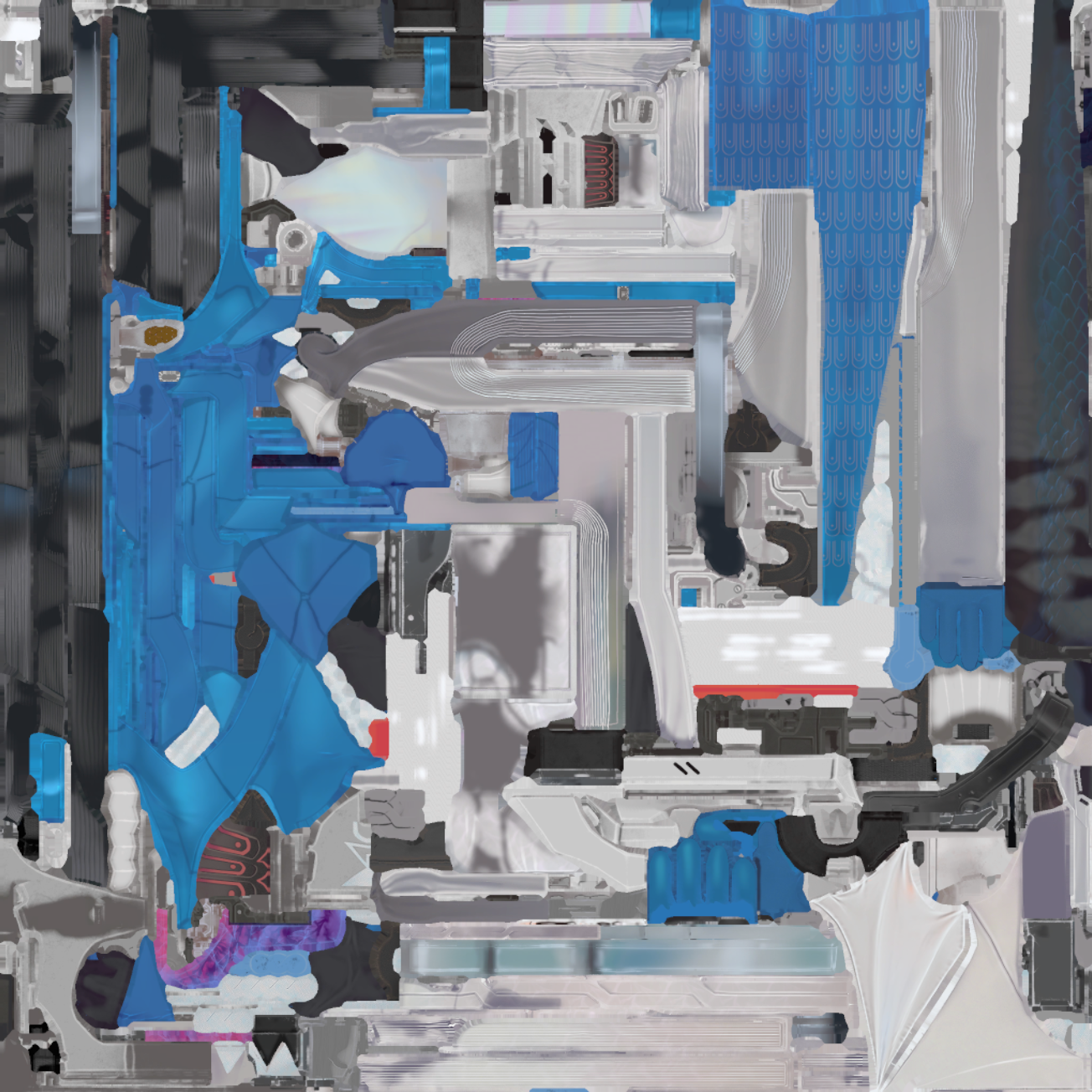 |
基础色 | |
| NormalMap | 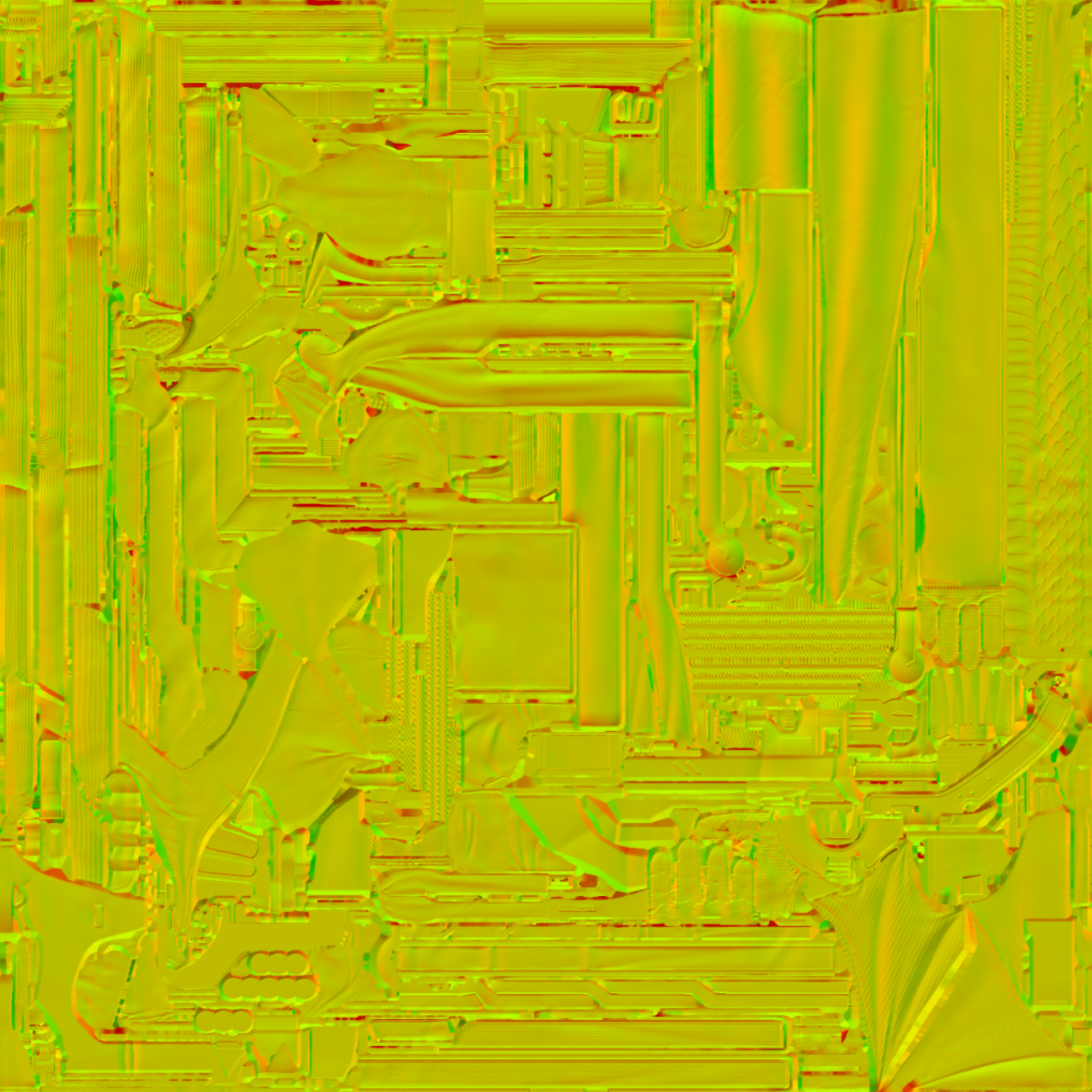 |
法线图 | |
| MaskMap | 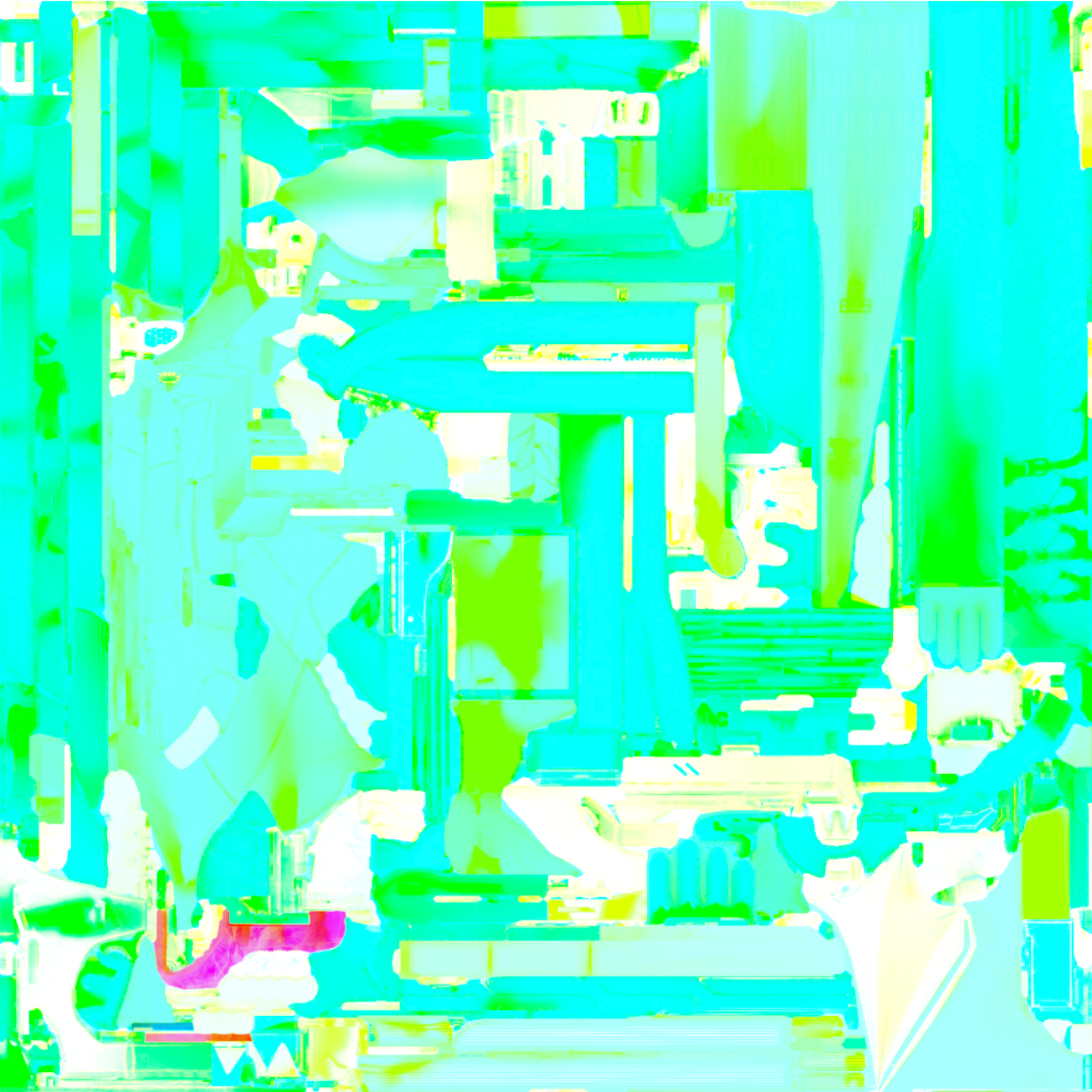 |
||
| LightRamp | 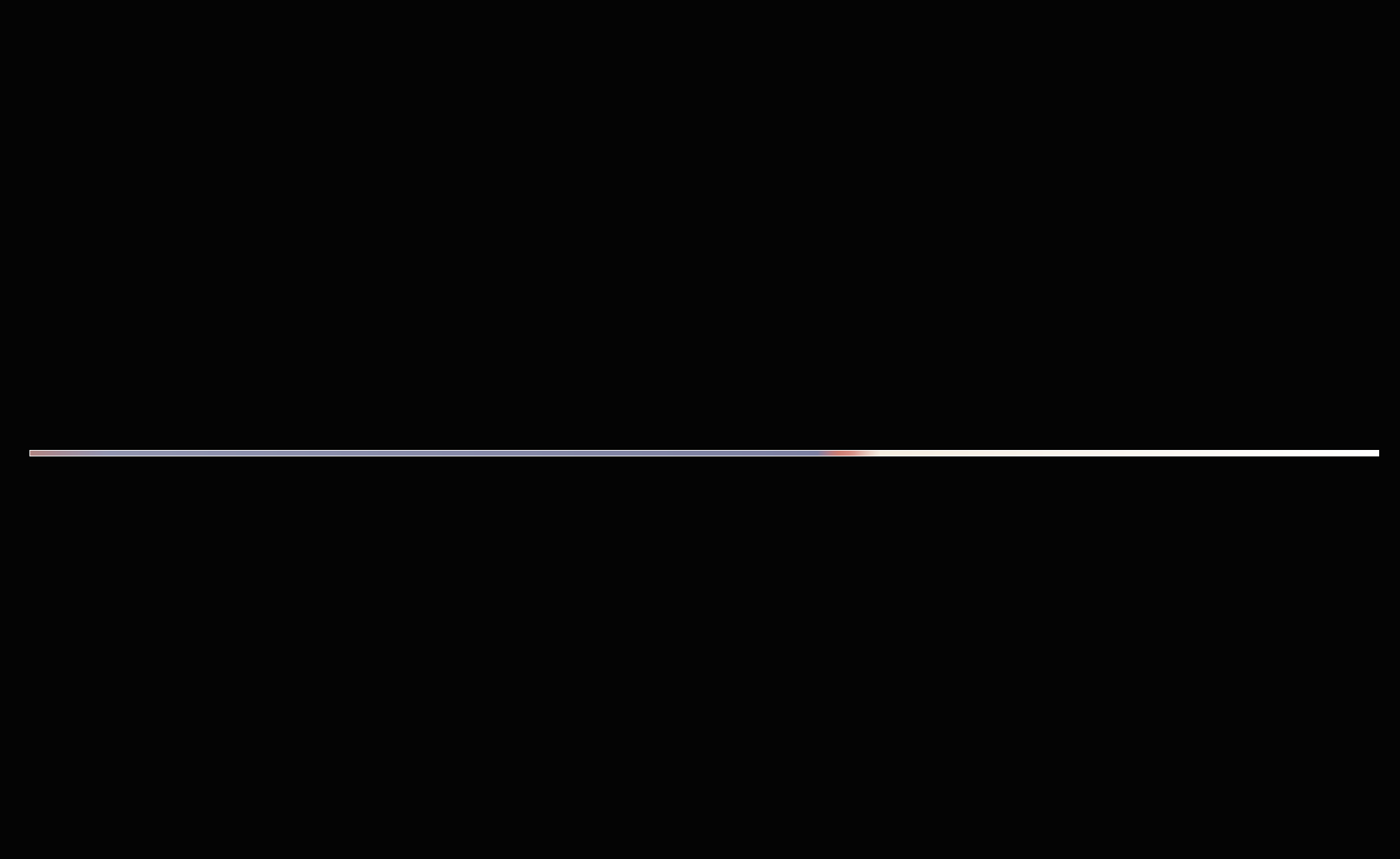 |
||
| ViewRamp | 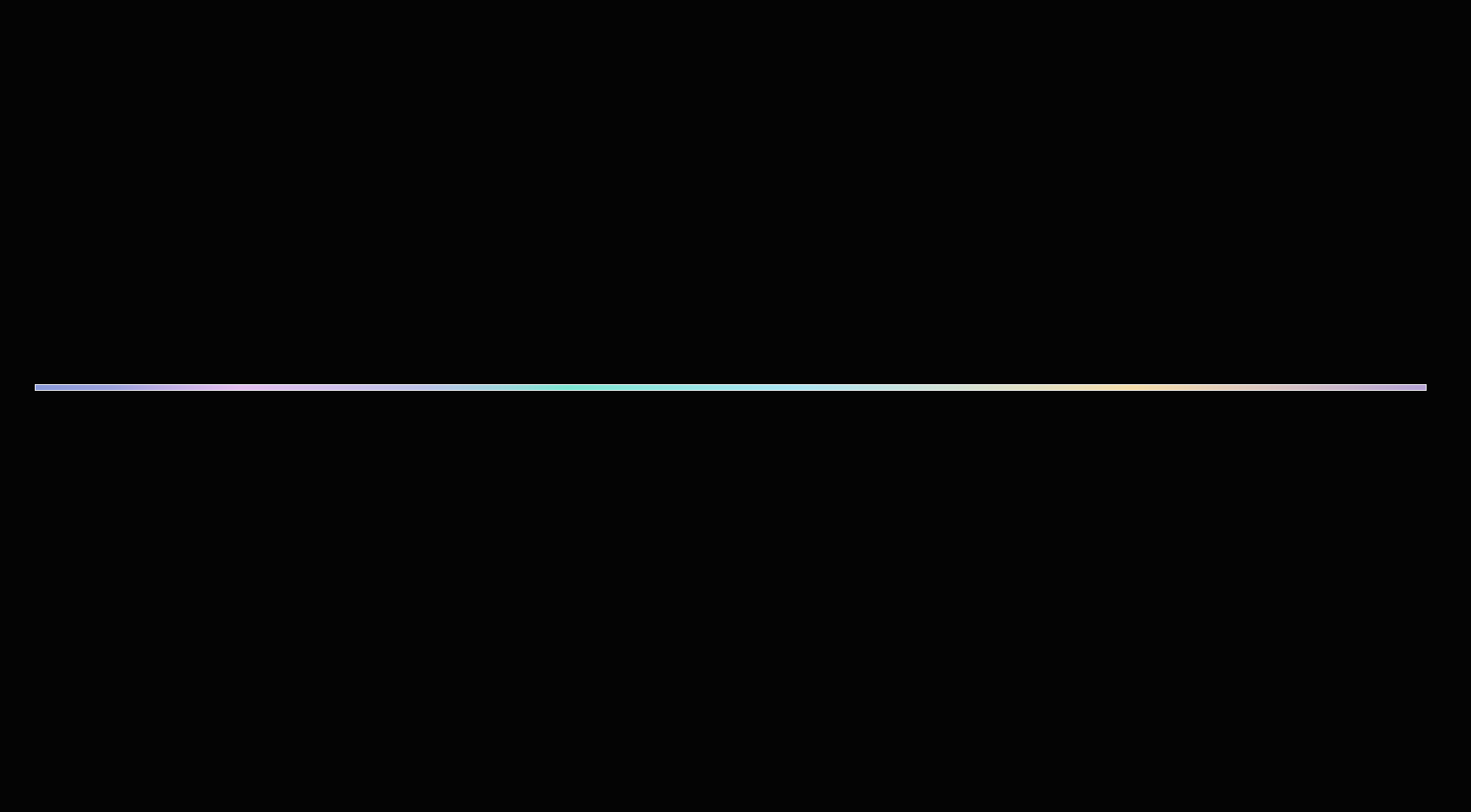 |
||
| SpecularLut |  |
光照计算
构造Lighting Context
首先,构造共用的灯光上下文。
struct FEFSurfaceLightingContext
{
    float4 LightRamp;
    float4 ViewRamp;
    float3 SpecularRamp;
    float NoV;
    float SpecularFactor;
    float3 F0;
    float3 IndirectSpecularF0;
};
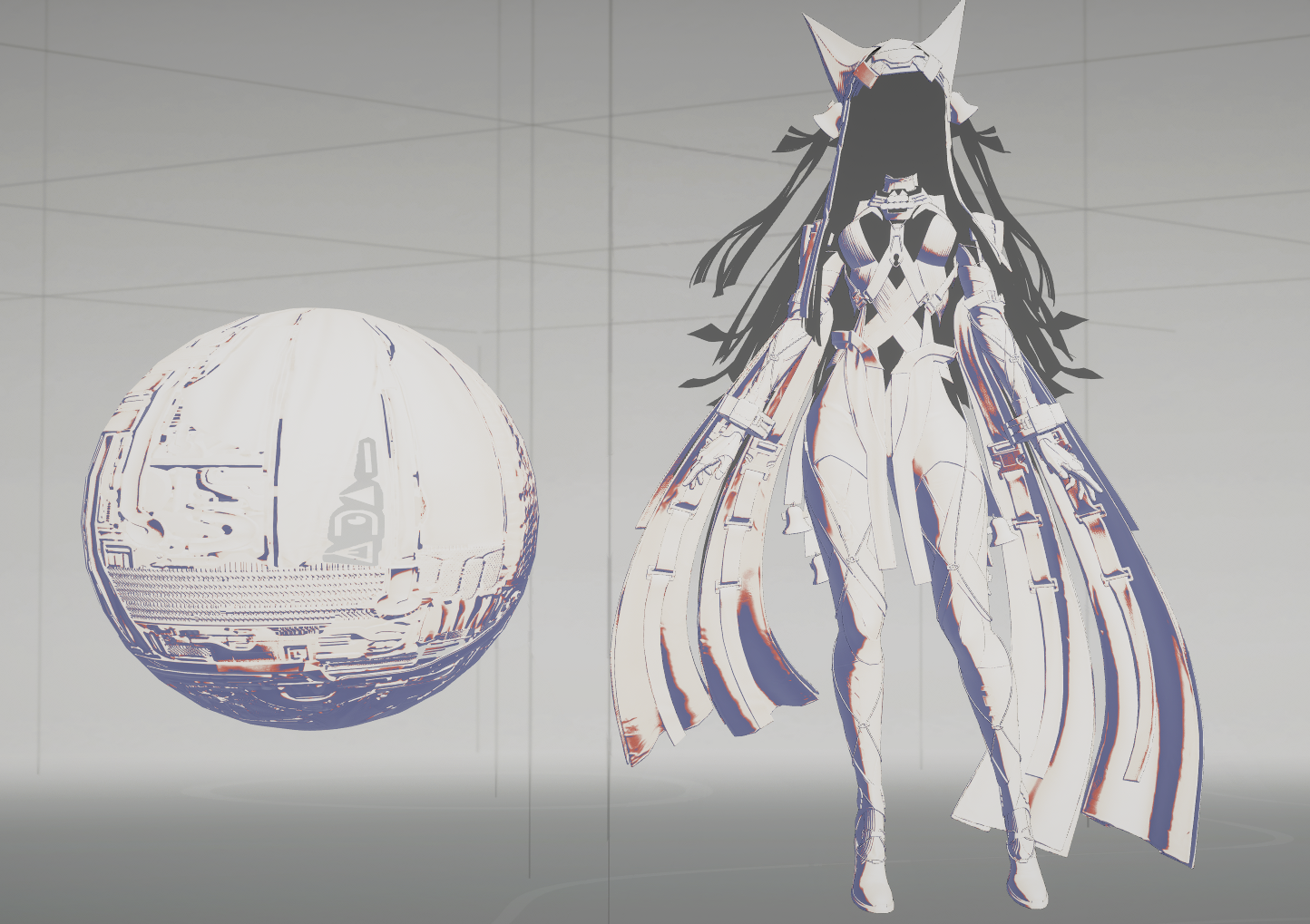
LightRamp
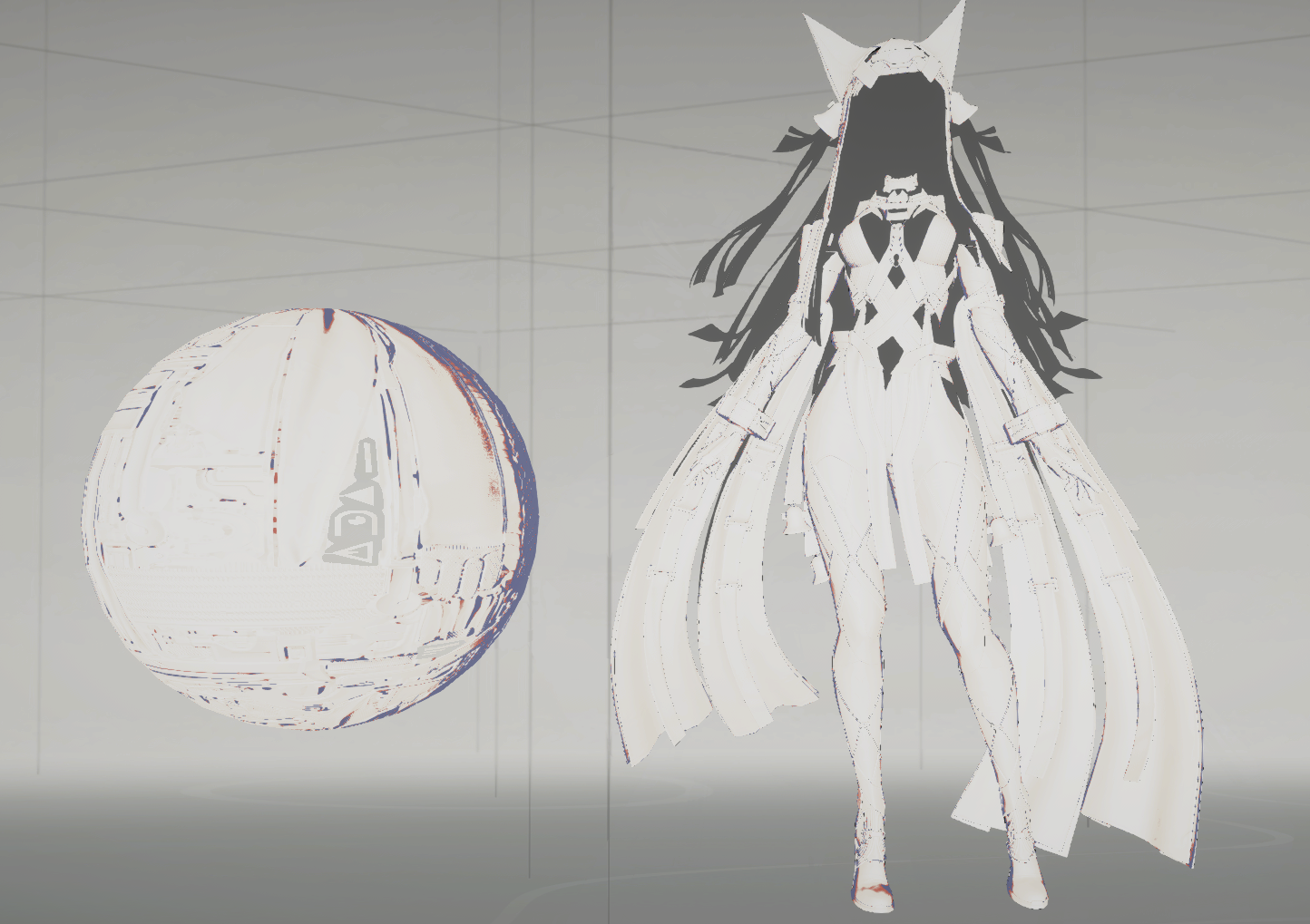
ViewRamp
SpecularRamp
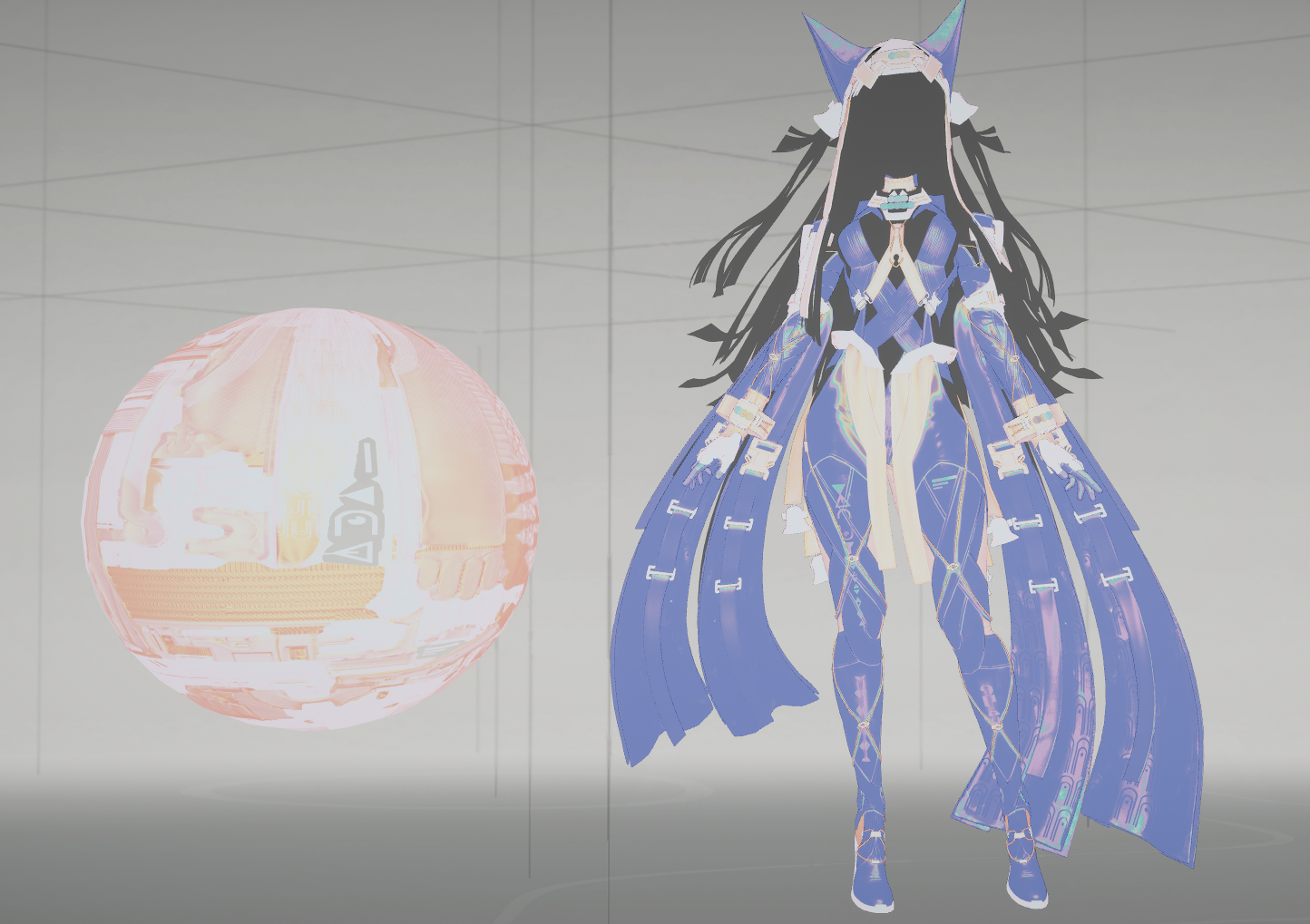
SpecularFactor
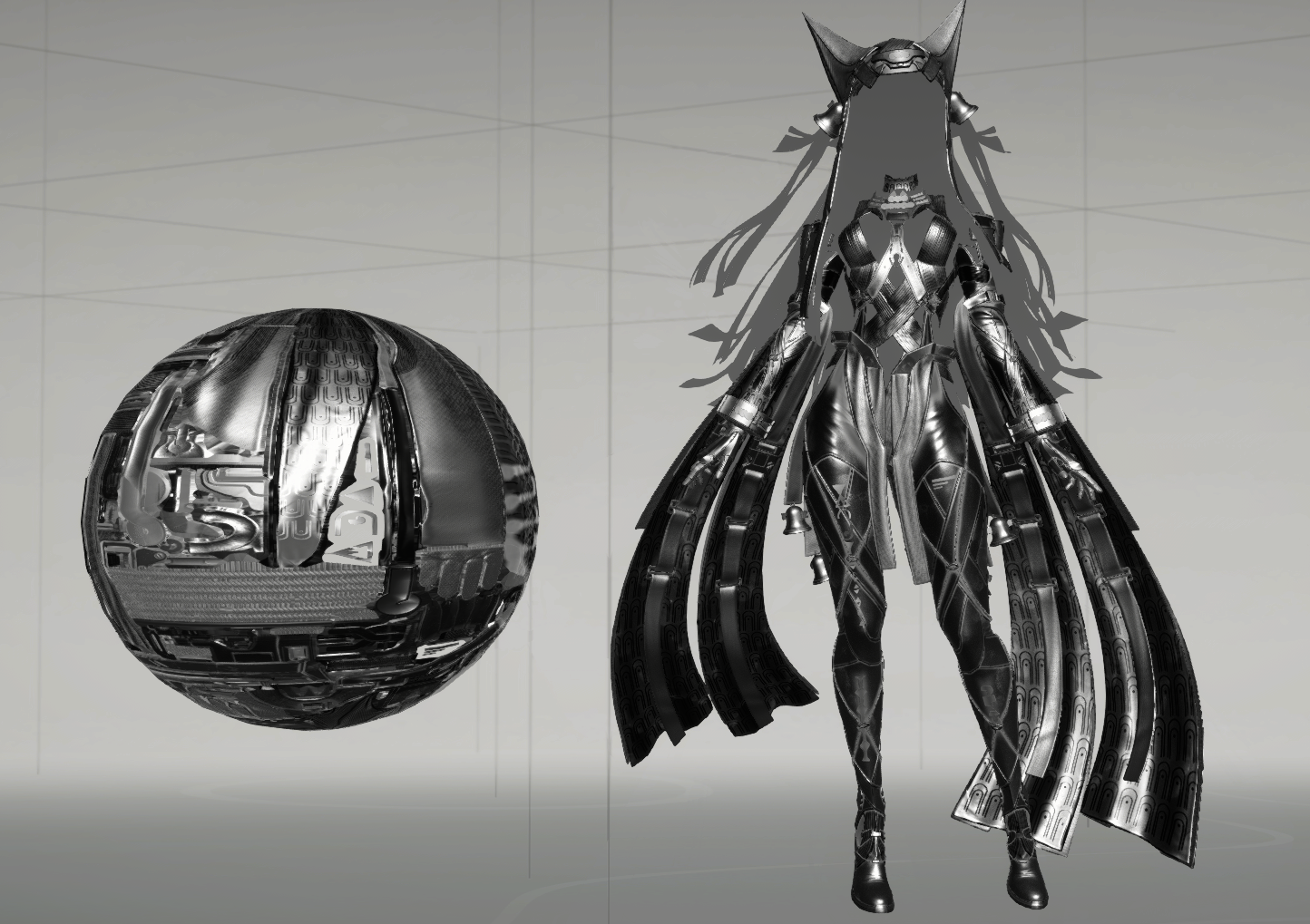
F0
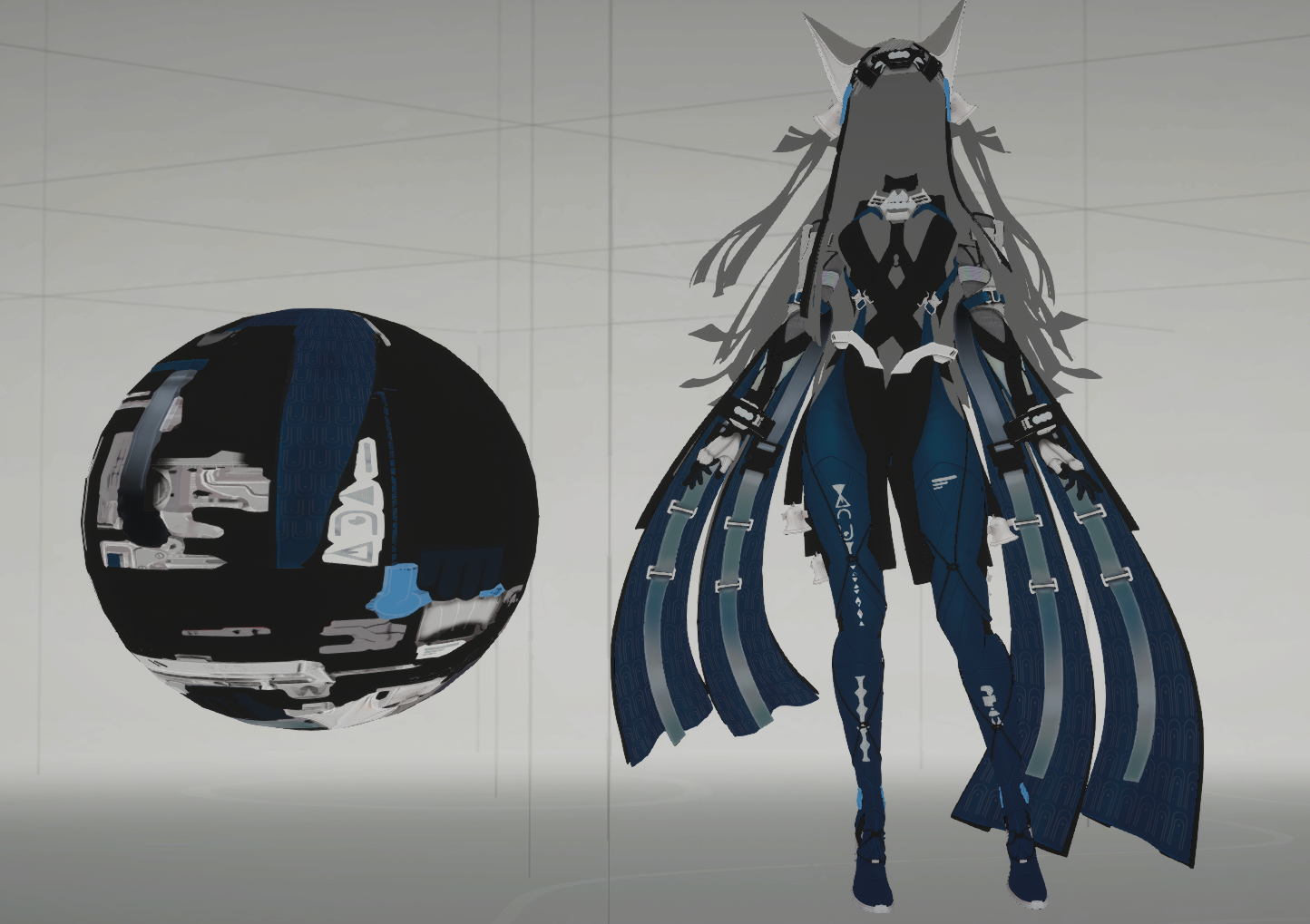
IndirectSpecularF0
    // ViewBlend 同时控制环境反射是否使用 LUT 色调,这是原公式的耦合关系。
    Context.IndirectSpecularF0 = Context.F0 * lerp(1.0.xxx, SpecularRampColor, ViewBlend);
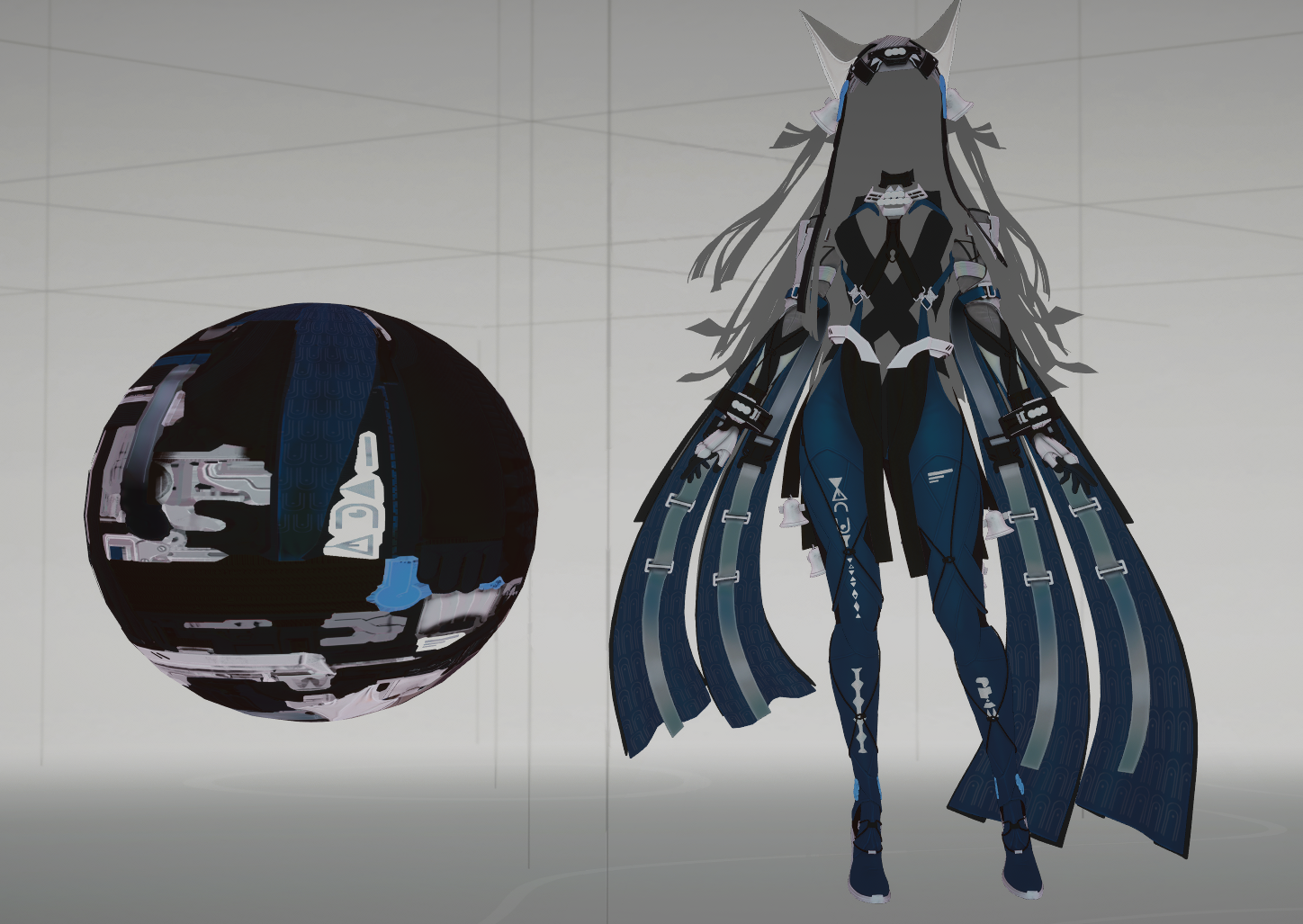
风格化GGX
首先,终末地构造了一个虚拟光源和虚拟HalfVector,它的作用是将高光尽量集中到面向相机的表面。
    float3 VirtualLightDirectionWS = normalize(float3(Shading.CameraBackwardWS.xy, lerp(0.5, MainLight.DirectionWS.z, MainLightVisibility)));
    float3 VirutalHalfVectorWS = normalize(MainLight.DirectionWS * MainLightVisibility + VirtualLightDirectionWS * 2.0 + Shading.ViewDirectionWS * (2.0 + MainLightVisibility));
    float NoH = dot(Surface.NormalWS, VirutalHalfVectorWS);
Image compare
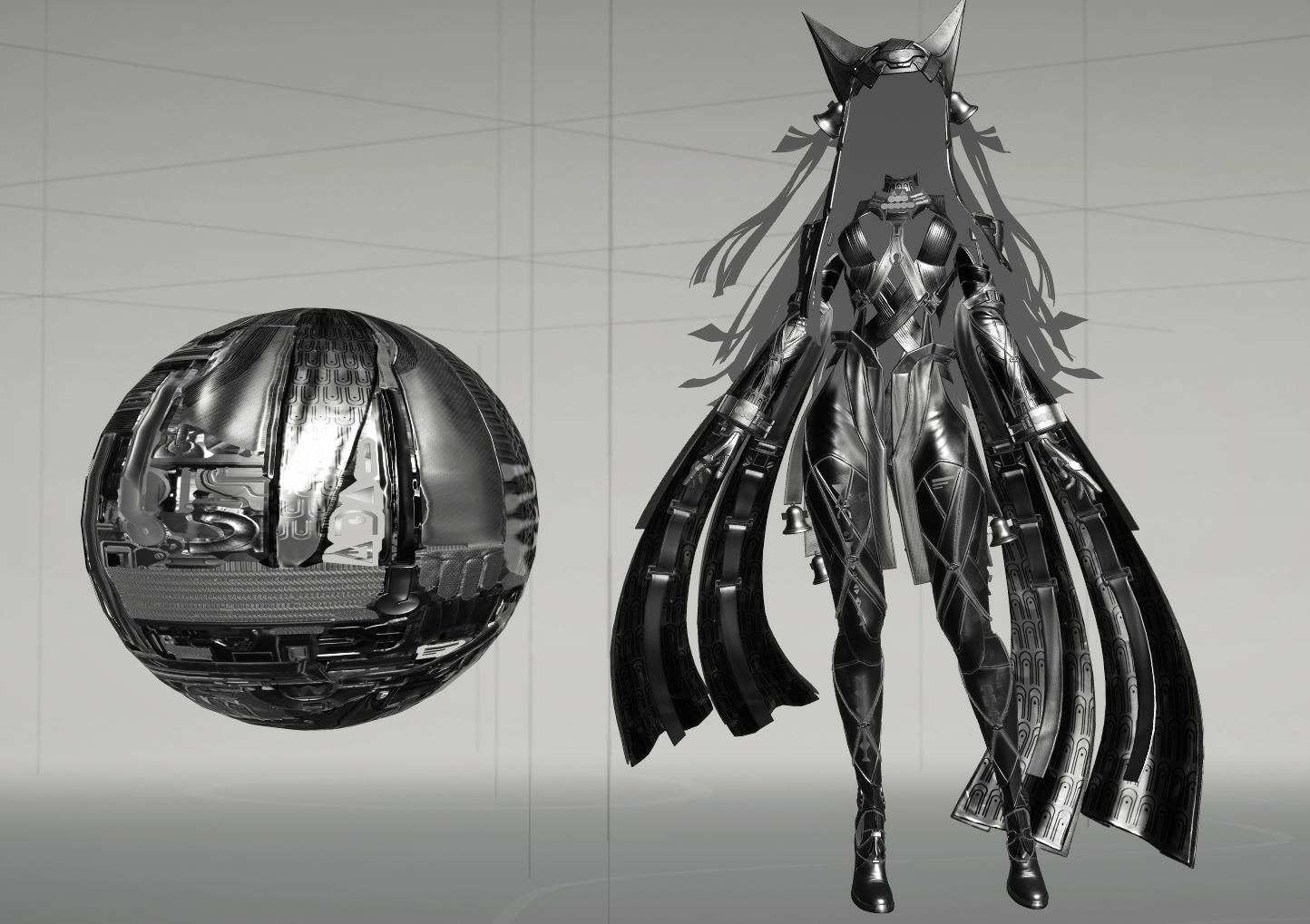
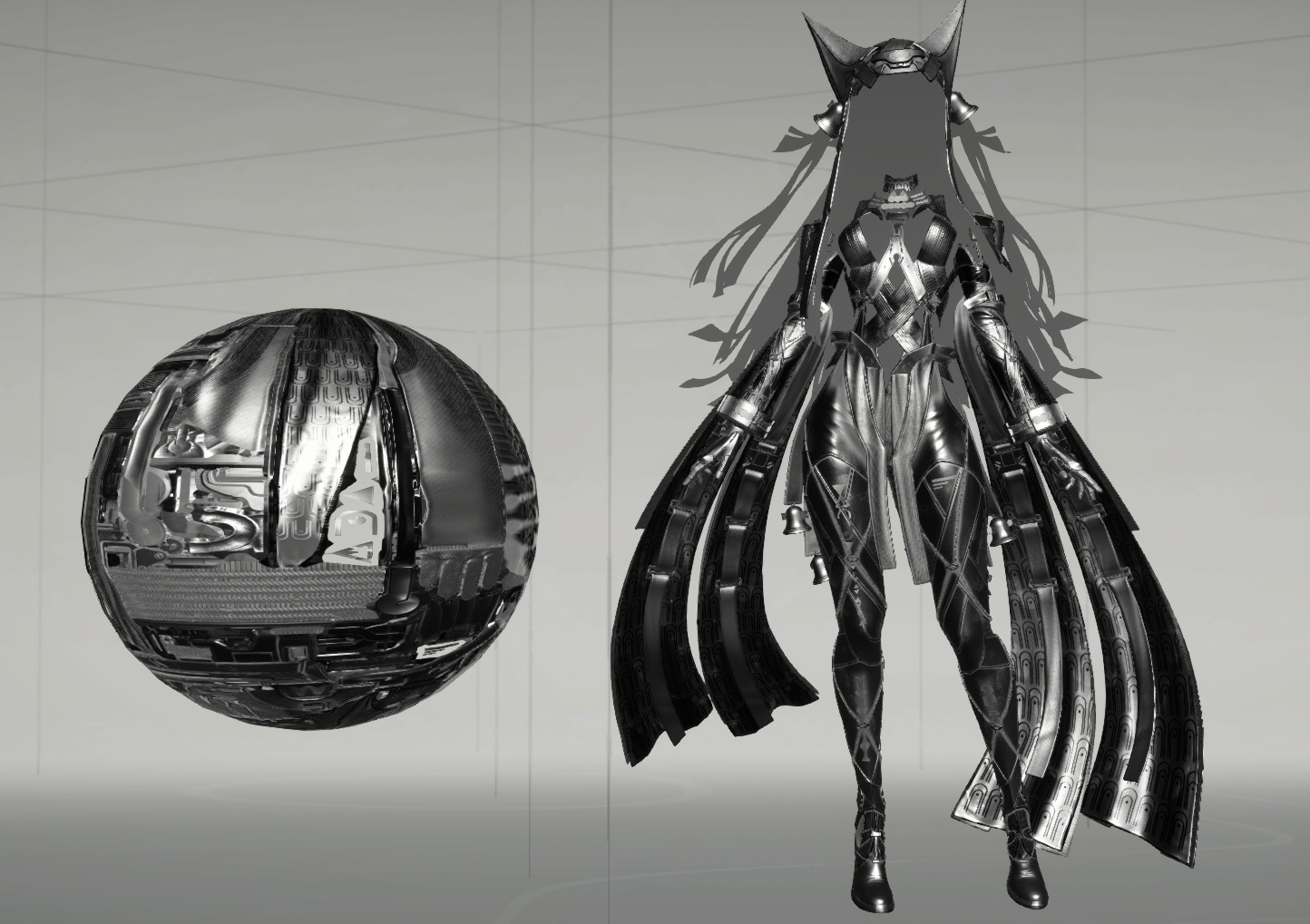
左图名称:HalfVector
右图名称:VirtualHalfVector
HalfVectorVirtualHalfVector
然后是终末地风格化了GGX公式:
FEFSurfaceGGXTerms EFSurfaceEvaluateStylizedGGX(float PerceptualRoughness, float NoH, float NoV)
{
    FEFSurfaceGGXTerms Result;
    Result.Alpha = max(PerceptualRoughness * PerceptualRoughness, 0.0078125); // 1/128
    float AlphaSquared = Result.Alpha * Result.Alpha;
    float Denominator = NoH * NoH * (AlphaSquared - 1.0) + 1.0;
    Denominator *= Denominator;
    // 保留原相等分支和运算顺序;此量是 GGX 形状因子,不是标准归一化 NDF。
    Result.Distribution = AlphaSquared / Denominator;
    // 这是风格化可见度,不是完整 Smith G / (4*NoL*NoV)。
    float Visibility = 0.5 / (2.0 * NoV + Result.Alpha + 0.0001);
    // DG/4(Nol)(NoV)
    Result.SpecularFactor = clamp(Result.Distribution * Visibility - 0.00006103515625, 0.0, 20.0);
    return Result;
}
这段代码保留了 GGX 的高光形状,但改写了可见度和强度控制。
普通 Cook–Torrance 镜面反射公式为:
其中,GGX 法线分布函数为:
通常使用:
这里
1. 给粗糙度设置下限
避免粗糙度趋近零时,高光峰值过于尖锐。
2. 分布项去掉了
因此,在使用相同
高光分布形状保持一致,但这个分布项的数值变成标准值的
3. 可见度项换成简化公式
普通微表面模型中的可见度项为:
终末地的代码将它替换为:
标准 Smith 可见度同时考虑光线和视线方向;这里仅根据
4. 对高光系数进行限幅
最终返回的 SpecularFactor 为:
减去很小的偏移,再将结果限制在
这个函数还没有乘 Fresnel 项
构造SurfaceShadingTerms
然后,构造共享着色计算项。
struct FEFSurfaceShadingTerms
{
    FEFSurfaceRampWeights Weights;
    float3 DiffuseAlbedo; // BaseColor * 0.96 * (1 - Metallic)。
    float3 DiffuseTint;   // Ramp 染色后的材质响应,主光与附加 Regular 光复用。
    float3 SpecularResponse;    // F0 * SpecularTint * SpecularFactor。
    float HighlightScale; // HighlightBlend * 0.5 + 0.5。
    float HighlightShadowResponse;
    float MainLightVisibility;  // GI 的亮部/暗部倍率仍由主光可见度控制。
    float StylizedSpecularScale;    // 沿用主光 SpecularScale,同时影响两路风格高光。
};
先计算3个权重:
struct FEFSurfaceRampWeights
{
    float View;   // View 可见度
    float Shadow; // 阴影
    float DeepShadow; // Deep阴影程度
};

FEFSurfaceRampWeights EFSurfaceComputeRampWeights(
FEFSurfaceData Surface, FEFSurfaceMainLightInputs MainLight, FEFSurfaceLightingContext Context)
{
    float CharacterVisibility = MainLight.Visibility.y;
    float OcclusionVisibility = Surface.RampOcclusion * CharacterVisibility;
    FEFSurfaceRampWeights Weights;
    Weights.View = Context.ViewRamp.a * OcclusionVisibility; // 角色View可见度
    Weights.Shadow = min(min(CharacterVisibility, Surface.RampOcclusion), Context.LightRamp.a);   // 角色阴影
    Weights.DeepShadow = saturate(Weights.View + Context.LightRamp.a);  // 角色Shadow向lighter色偏移程度
    return Weights;
}
终末地分了两种阴影色,Shadow和DeepShadow,用View和LightRamp来lerp。
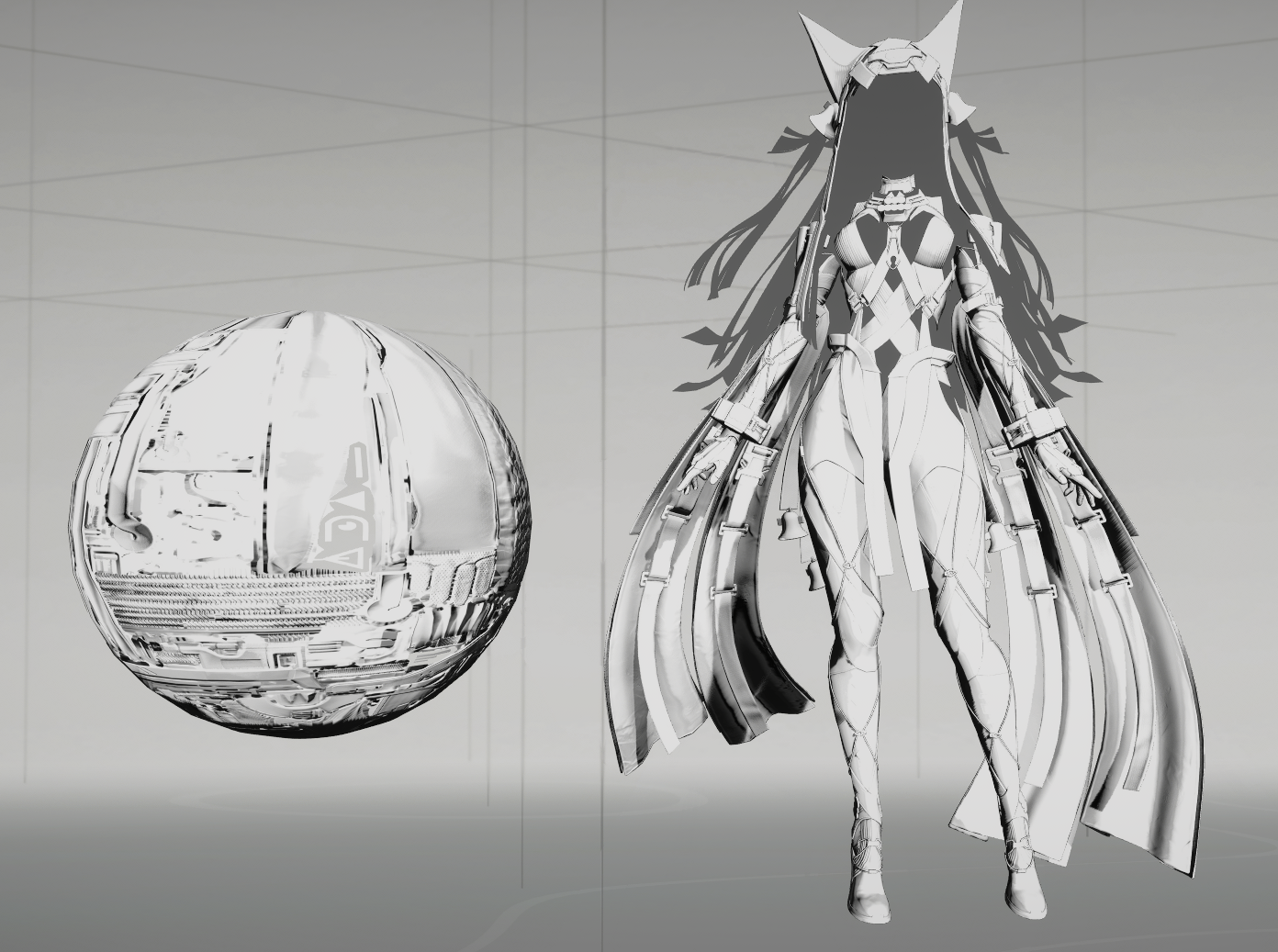
DiffuseAlbedo
    float DiffuseEnergy = 0.96 * (1.0 - Surface.Metallic);
    Terms.DiffuseAlbedo = Surface.BaseColor * DiffuseEnergy;
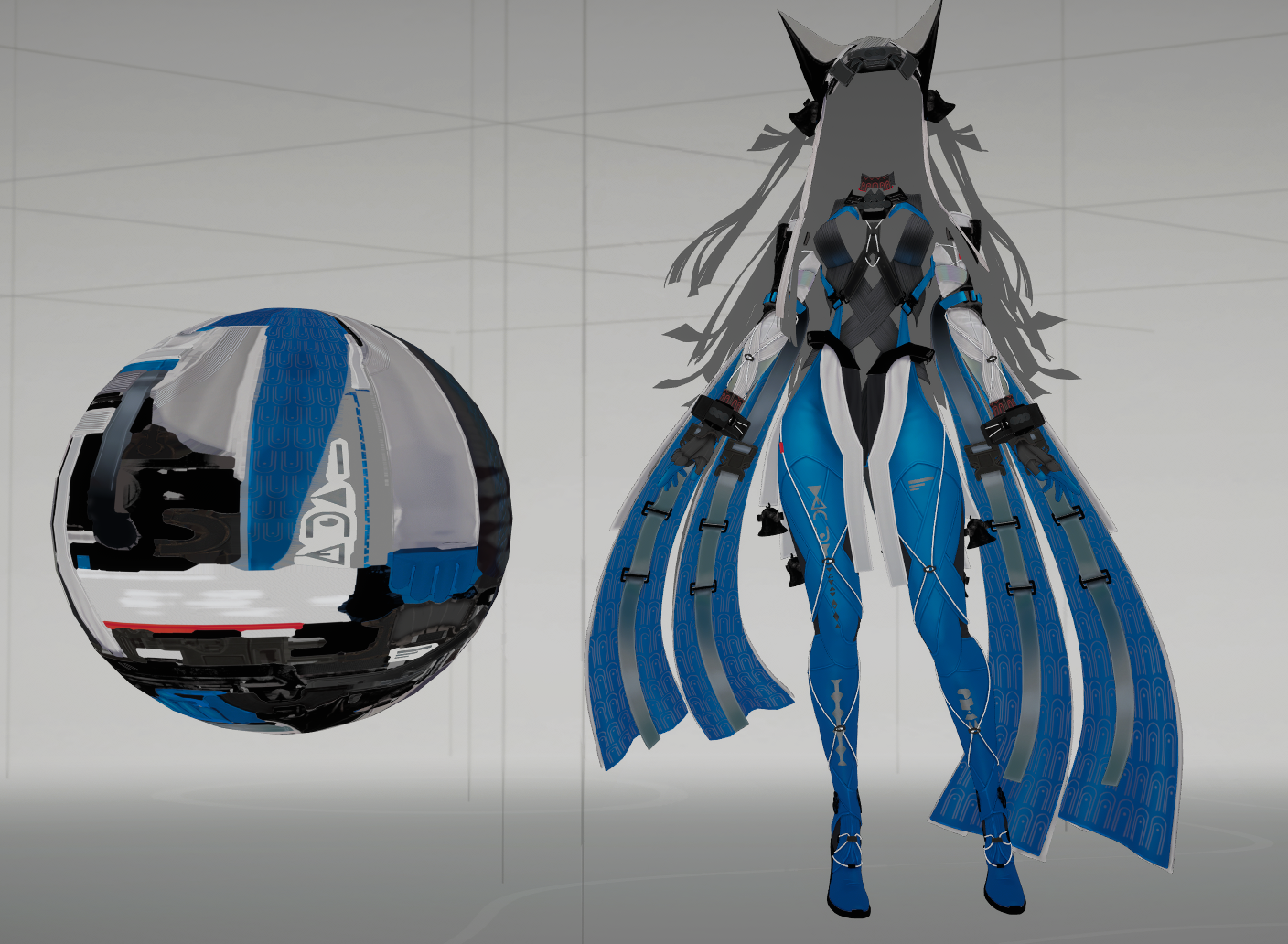
DiffuseTint
float3 EFSurfaceComputeDiffuseTint(
float3 DiffuseAlbedo, float3 DarkDiffuseAlbedo,
float ShadowResponseScale, float MainLightVisibility,
FEFSurfaceLightingContext Context, FEFSurfaceRampWeights Weights)
{
    float3 ShadowAlbedo = DarkDiffuseAlbedo * ShadowResponseScale;
    float3 DeepShadowAlbedo = EFSurfaceSaturation(ShadowAlbedo * 0.65, 1.2);
    float3 SaturatedDiffuseAlbedo = EFSurfaceSaturation(DiffuseAlbedo, 1.2);
    float3 Albedo = lerp(lerp(DeepShadowAlbedo, ShadowAlbedo, Weights.DeepShadow), DiffuseAlbedo, Weights.Shadow);

    // 对Albedo进行Ramp图染色
    // 灰色 Ramp 的 Chroma=0,不直接通过 RGB 压暗颜色;Alpha 仍控制明暗权重。
    float3 RampColor = Context.LightRamp.rgb;
    float RampChroma = max(max(RampColor.r, RampColor.g), RampColor.b) - min(min(RampColor.r, RampColor.g), RampColor.b); // Ramp有色程度
    float3 RampTint = lerp(1.0.xxx, RampColor, RampChroma);
    float3 RampTone = Albedo * RampTint;
    // 染色后的亮度补偿有 1.5 上限,不是无条件严格保亮度。
    RampTone *= clamp(EFSurfaceLuminance(Albedo) / max(EFSurfaceLuminance(RampTone), 0.001), 0.0, 1.5);
    float3 ShadowTone = lerp(ShadowAlbedo, SaturatedDiffuseAlbedo, Weights.View);

    return lerp(ShadowTone, RampTone, MainLightVisibility);
}

    float3 DarkDiffuseAlbedo = Surface.DarkColor * DiffuseEnergy;
    Terms.DiffuseTint = EFSurfaceComputeDiffuseTint(Terms.DiffuseAlbedo, DarkDiffuseAlbedo,
        ShadowResponseScale, Terms.MainLightVisibility, Context, Terms.Weights);
Image compare
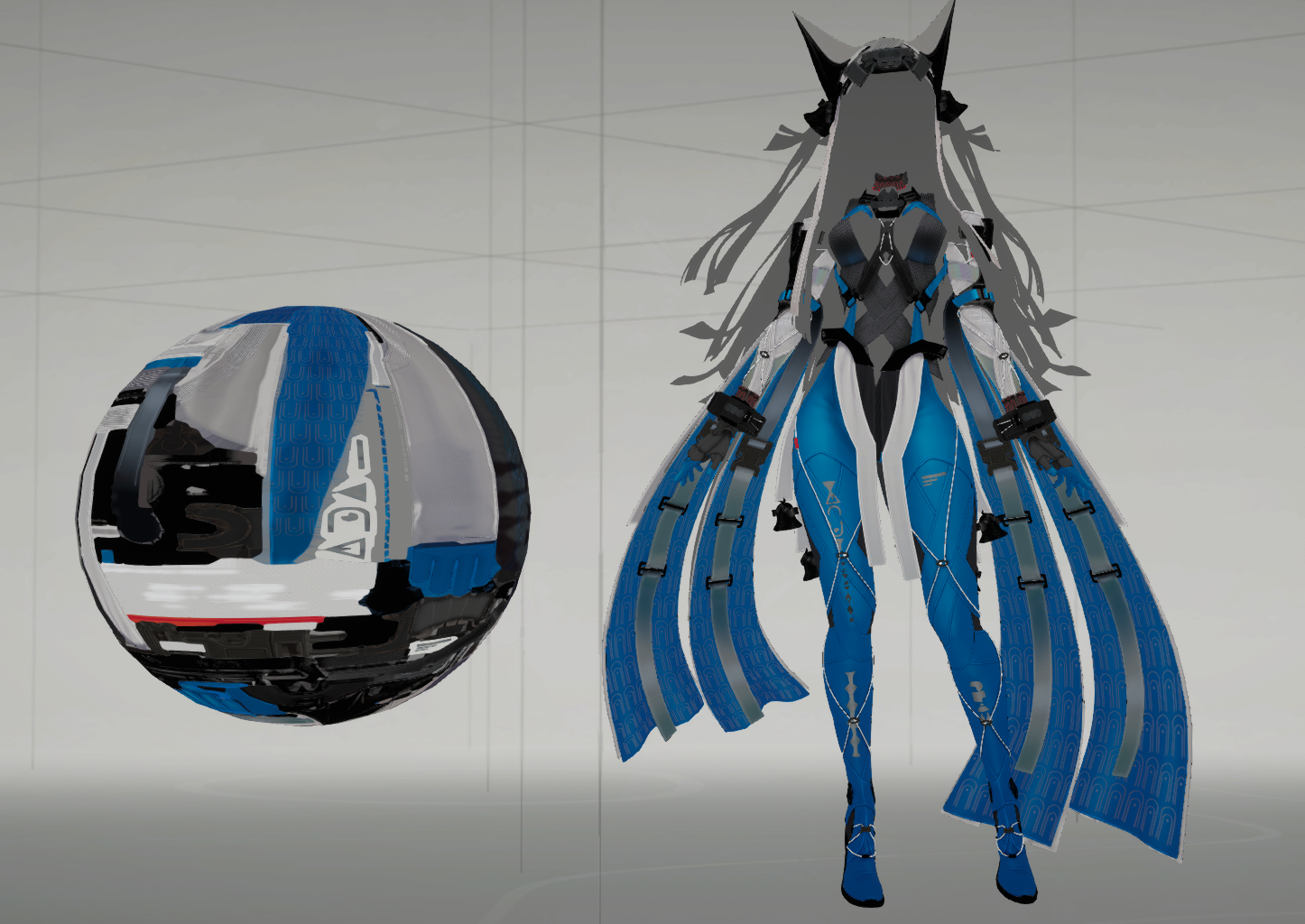
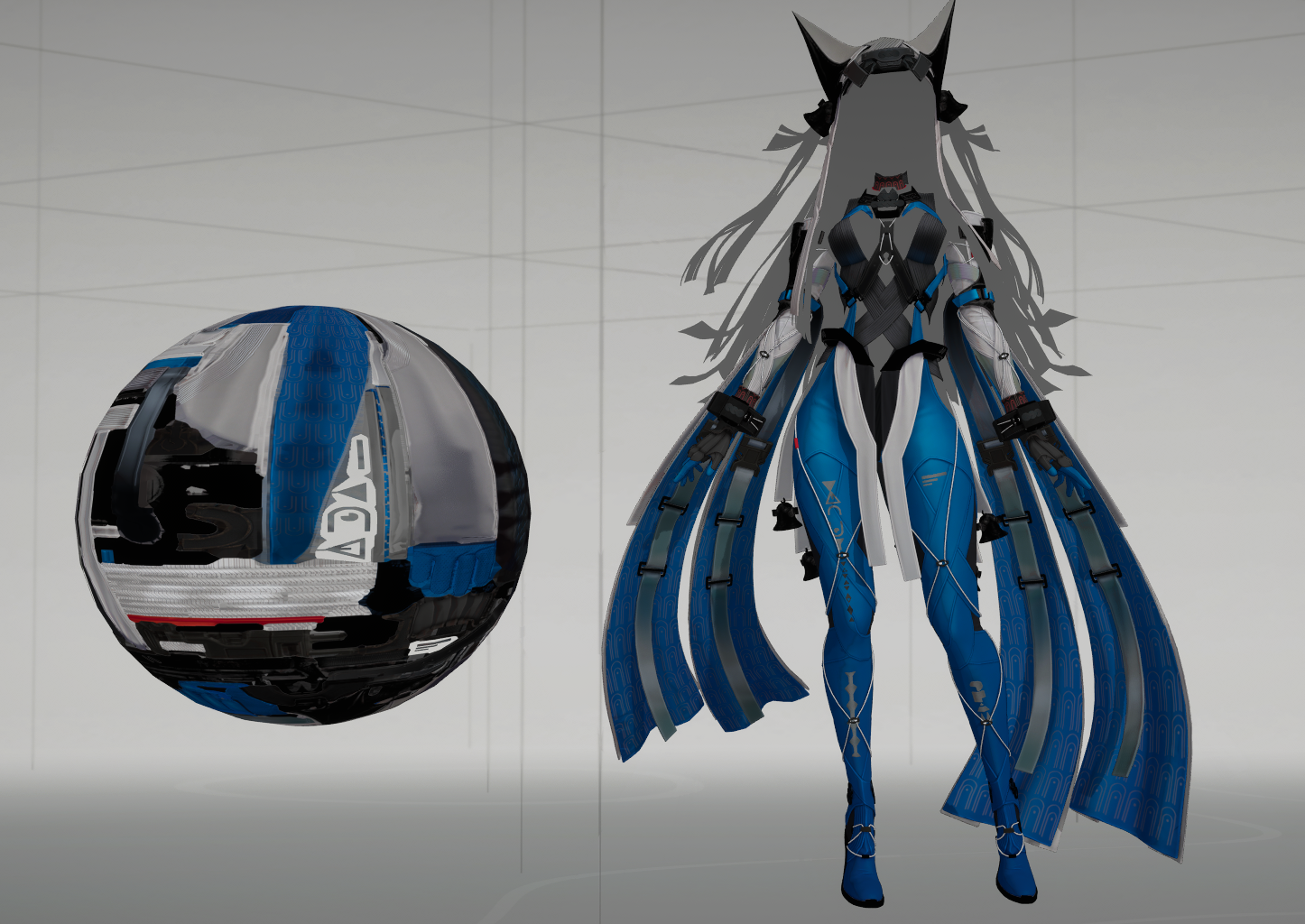
左图名称:DiffuseAlbedo
右图名称:DiffuseRamp
DiffuseAlbedoDiffuseRamp
Main Lighting
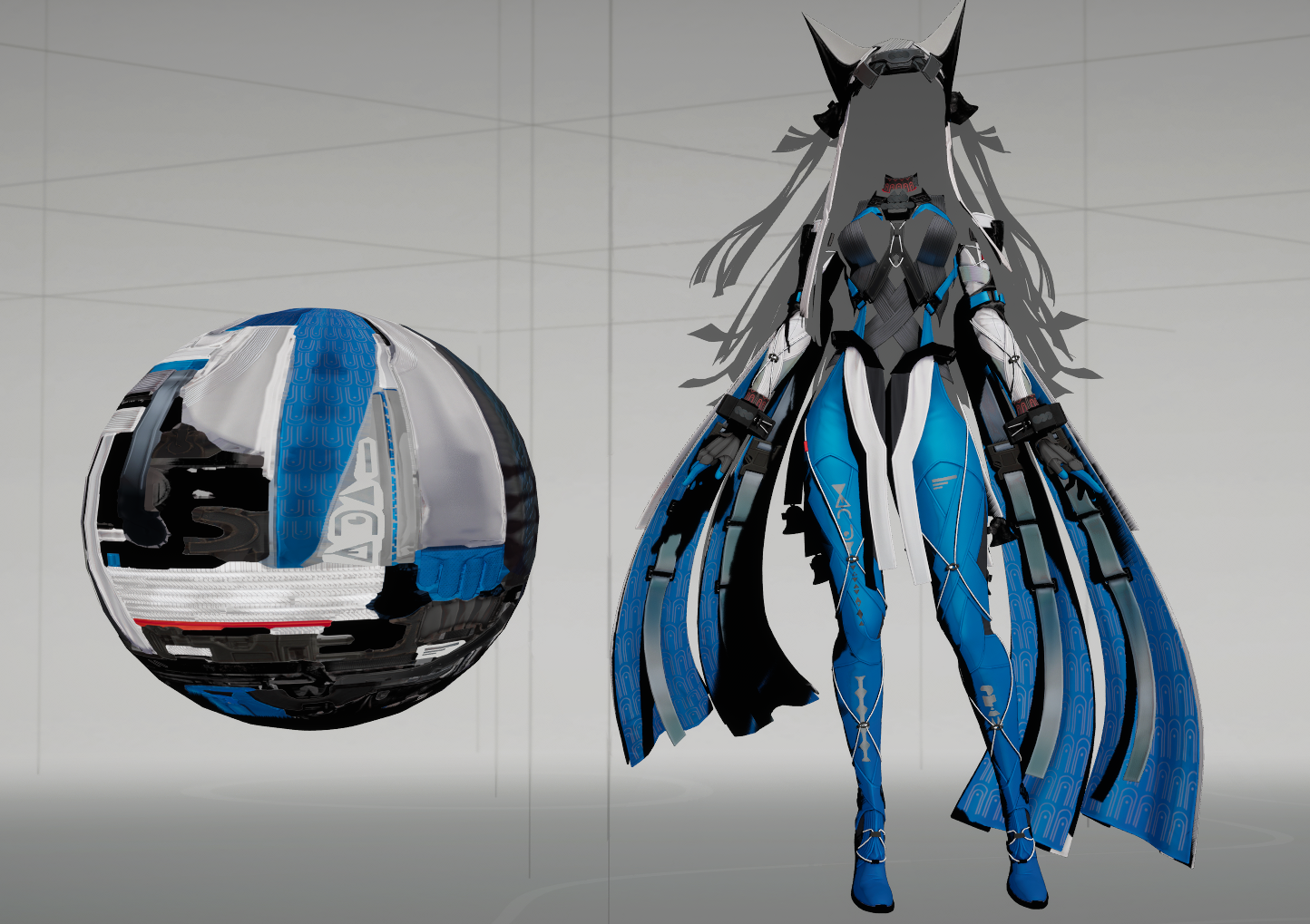
Diffuse
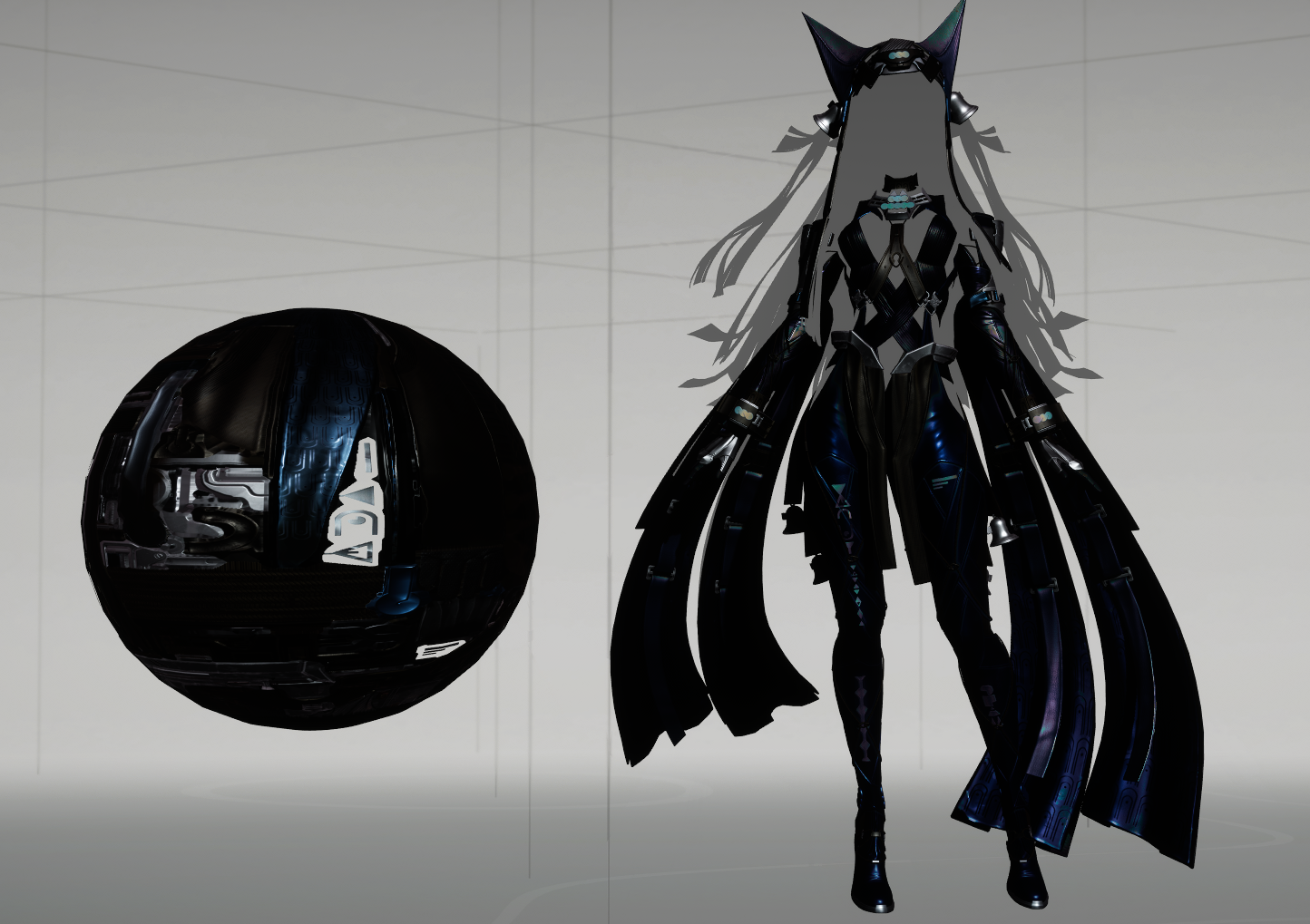
Specular
Emission
Indirect Lighting
补光
高光
风格化GGX